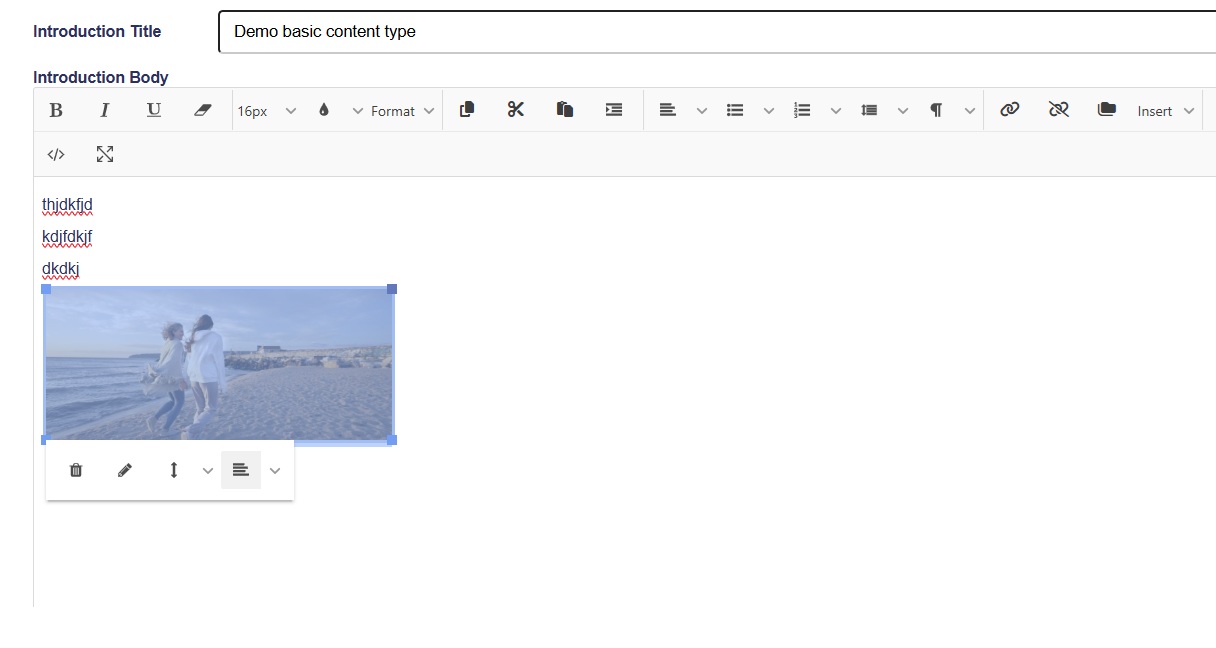
Inserting image from your Document folders
· Upload the image to a folder
· Point your mouse at the name of the image
· Right click when pointing to get a pulldown menu
· Copy link
Go to the page you want the image
· Edit
· Click on Insert
· Insert Image
· Paste URL
· Type a description of the image in the Alterative text field
· Insert
You can edit the image by clicking on the image
Click and drag the sides to make the image larger or smaller
Change the Horizontal align and Vertical align